
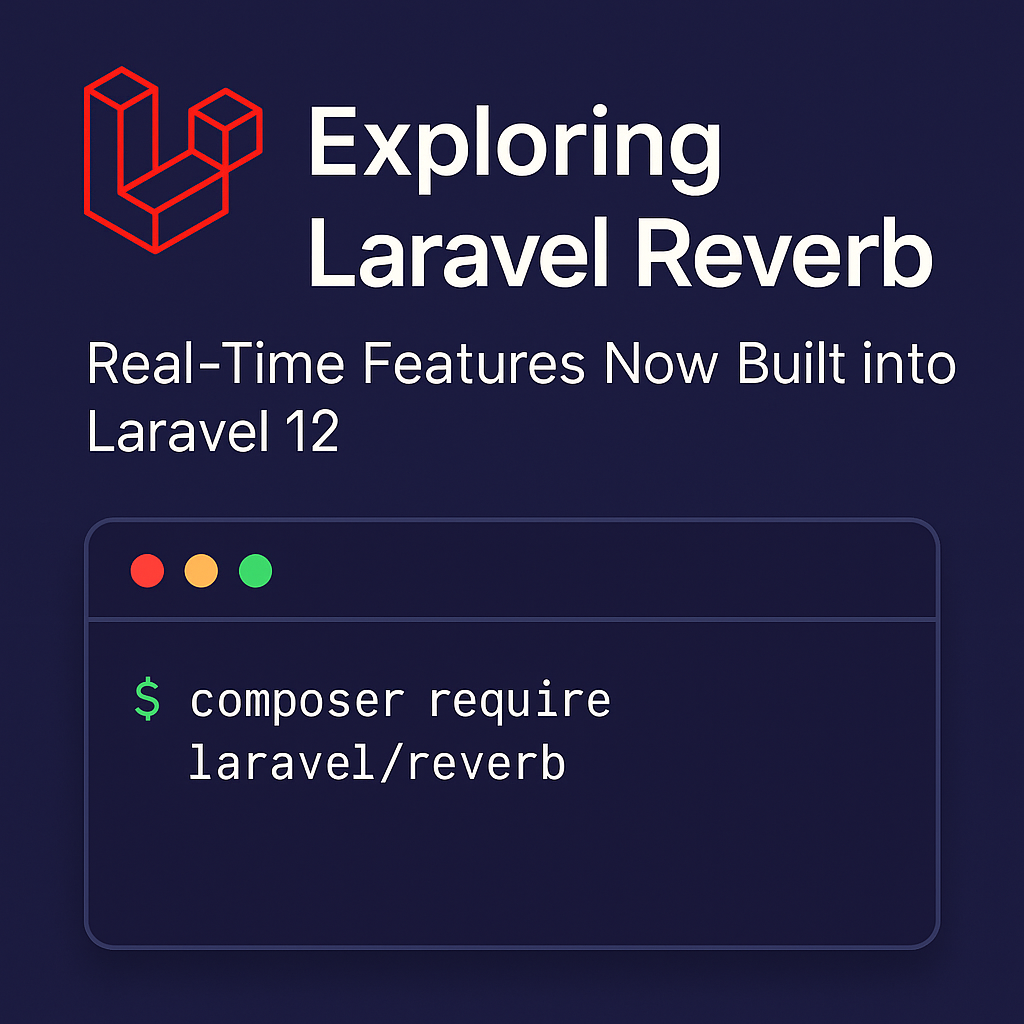
Exploring Laravel Reverb: Real-Time Features Now Built into Laravel 12
Exploring Laravel Reverb: Real-Time Features Now Built into Laravel 12
Introduction
With the release of Laravel 12, the framework continues to push the boundaries of modern PHP development. One of the most exciting new features is Laravel Reverb, a native solution for real-time broadcasting that eliminates the need for third-party services like Pusher.
In this post, we’ll explore what Laravel Reverb is, why it’s a game-changer for developers, and how to get started with it.
What is Laravel Reverb?
Laravel Reverb is a new first-party package that provides real-time WebSocket support for Laravel applications. It allows developers to build interactive apps (like chat systems, notifications, or live dashboards) using Laravel’s broadcasting features—without relying on third-party WebSocket providers.
Before Laravel 12, most developers used services like Pusher, Ably, or set up their own Node.js-based WebSocket servers. Reverb simplifies this by giving us a Laravel-native broadcasting server that works seamlessly with the existing event and broadcasting system.
Why Laravel Reverb Matters
Here’s why Laravel Reverb is such a powerful addition to the Laravel ecosystem:
-
✅ First-party support: Built and maintained by the Laravel team.
-
✅ Self-hosted: Full control over infrastructure and data.
-
✅ Optimized for Laravel: Works natively with broadcasting events and
Broadcast::channel()logic. -
✅ Better Developer Experience: Zero config needed when using Laravel Sail or Forge.
If you’re building real-time applications and want full control without vendor lock-in, Reverb is a compelling choice.
How to Get Started with Laravel Reverb
1. Install Laravel Reverb
You can install Laravel Reverb using Composer:
2. Publish Configuration
This will create a config/reverb.php file where you can customize Reverb settings.
3. Run the Reverb Server
To start the WebSocket server locally:
The server will now listen for connections and broadcast events in real time.
Broadcasting Events with Reverb
The process of broadcasting events remains exactly the same:
In your event class, implement the ShouldBroadcast interface. Reverb will automatically handle broadcasting to the configured channels.
Frontend Integration
You can use Laravel Echo (a JavaScript library) to listen to events in your frontend:
Reverb uses port 6001 by default, which you can change in the config file.
Final Thoughts
Laravel Reverb is a major step forward for Laravel developers who want to build reactive, real-time applications without leaving the Laravel ecosystem. Whether you’re building a chat app, a live feed, or a dynamic dashboard, Reverb makes it faster and easier to implement real-time features natively.